
Appearance
Import SQL Files
Imports SQL files and ZIP archives containing SQL files.
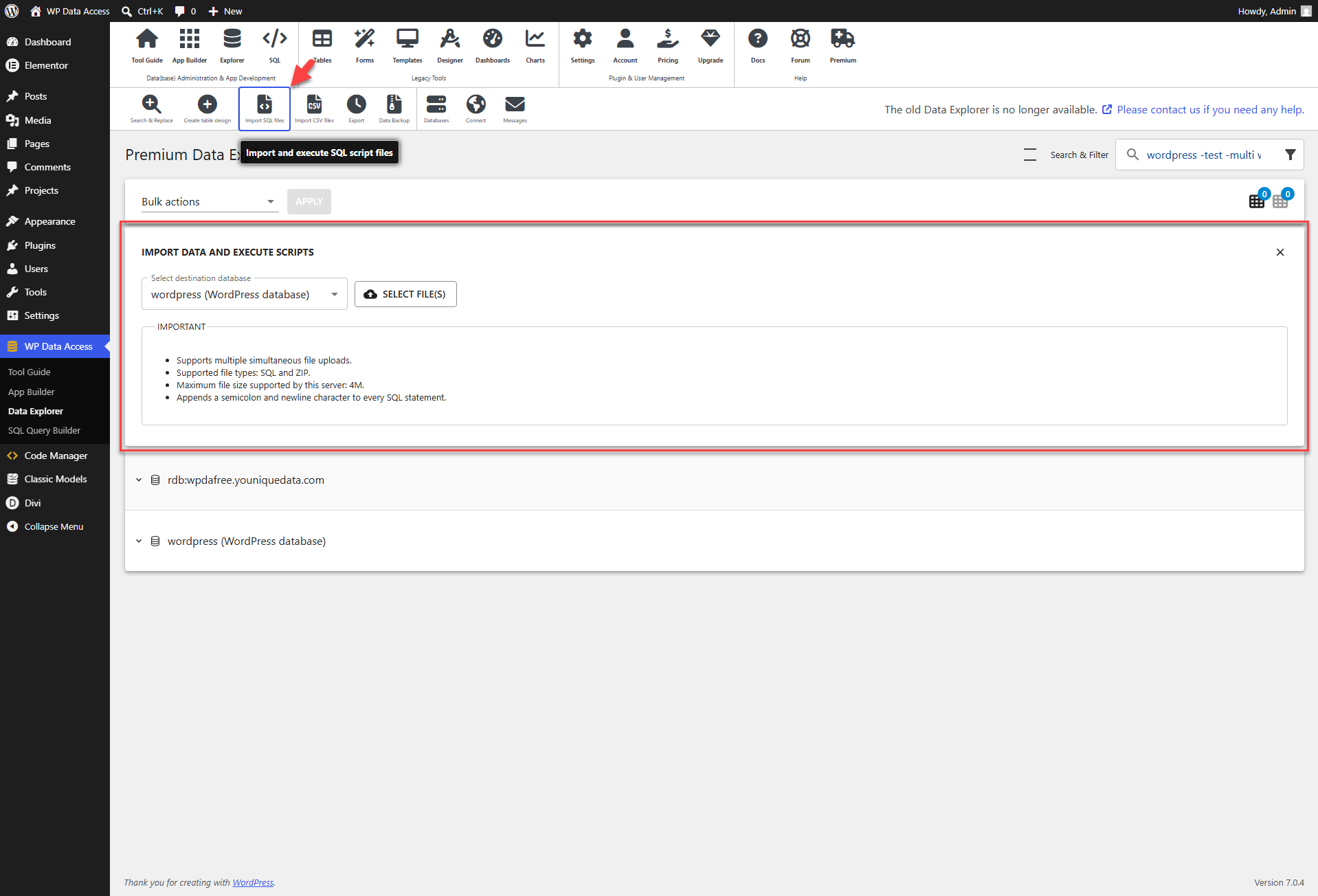
SQL files imported from the Data Explorer main page may contain any SQL statements. Make sure to end every SQL statement with a semicolon (;) followed by a new line. Multiple SQL files can be bundled together in a ZIP archive, which also allows for importing larger files.
Follow these steps:
- Click SELECT FILE(S).
- Select the file(s) you wish to import.
- Select the target datasebase.
- Click the IMPORT FILE(S) button.
A popup will display the import status.
📌 The ZipArchive extension must be installed on your server to import ZIP files.